Service listing
CLIENT OS — 112 AI Prompts + Notion Dashboard for Freelancers (Starter & Pro)
About this service
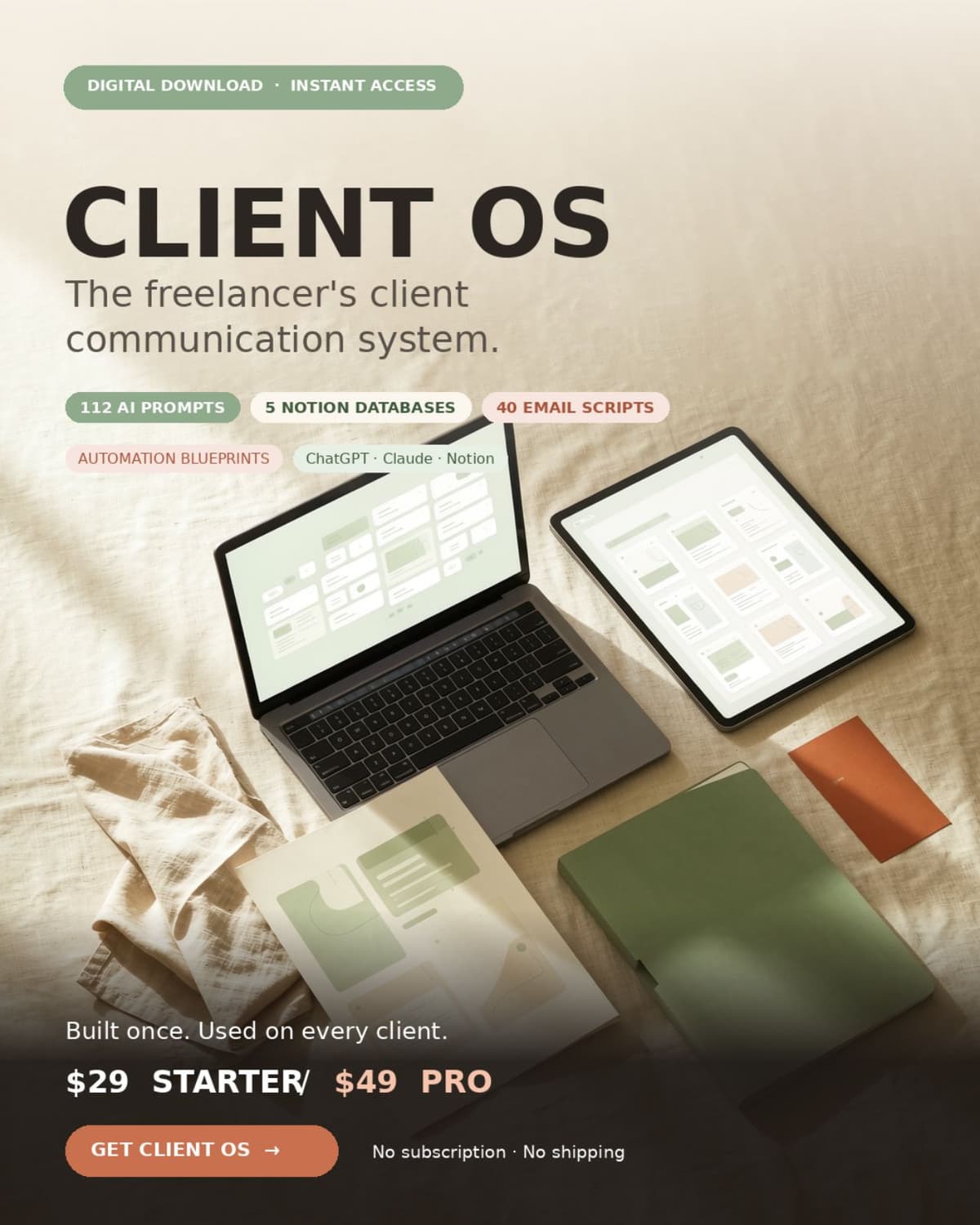
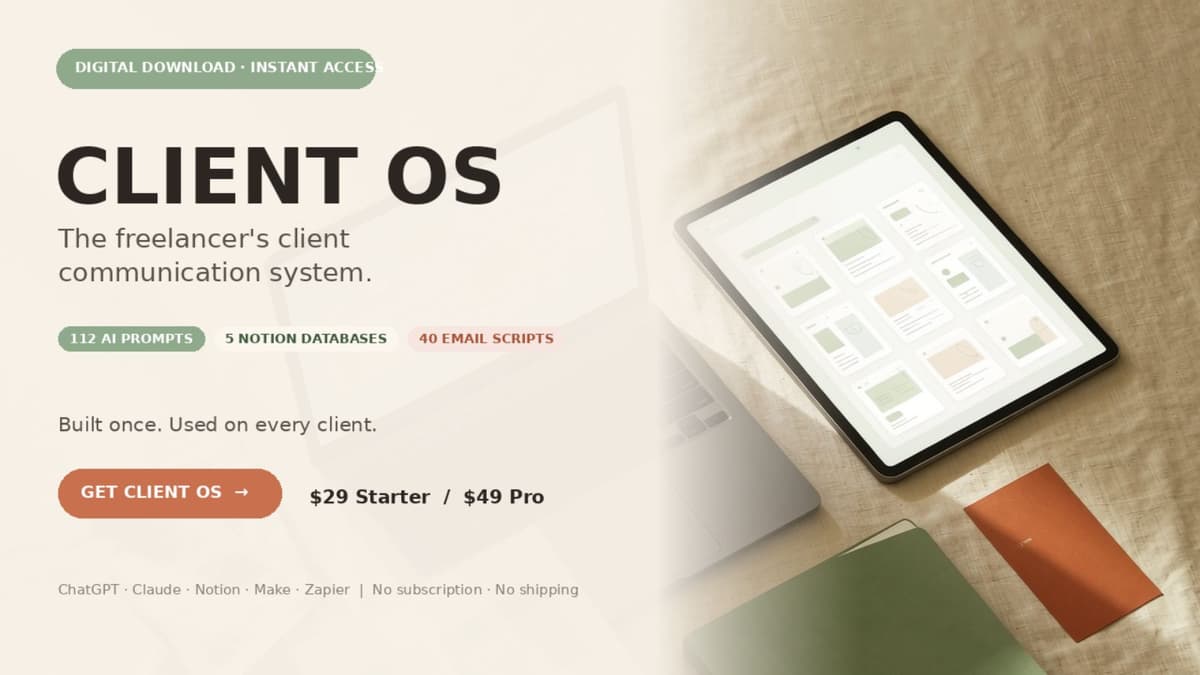
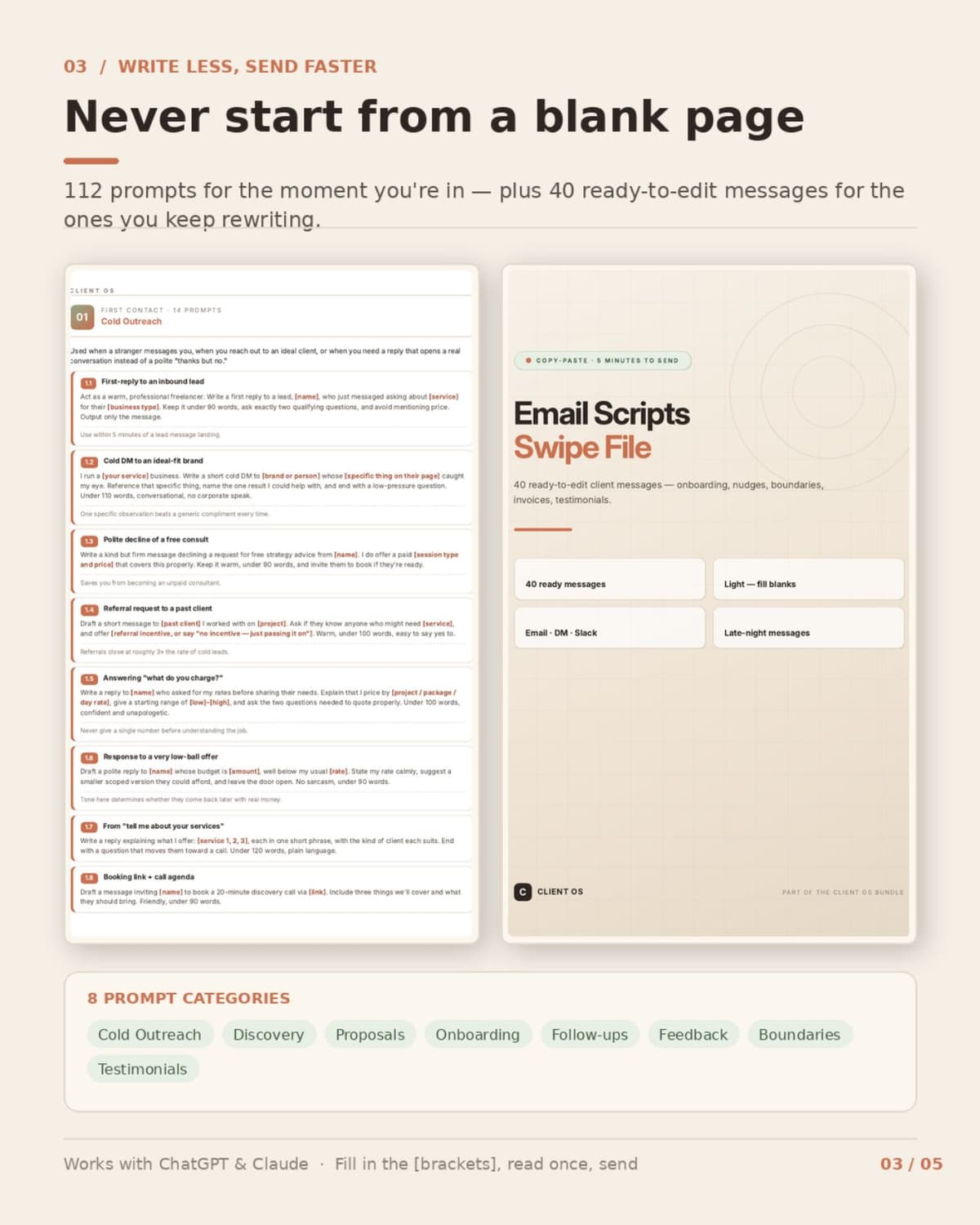
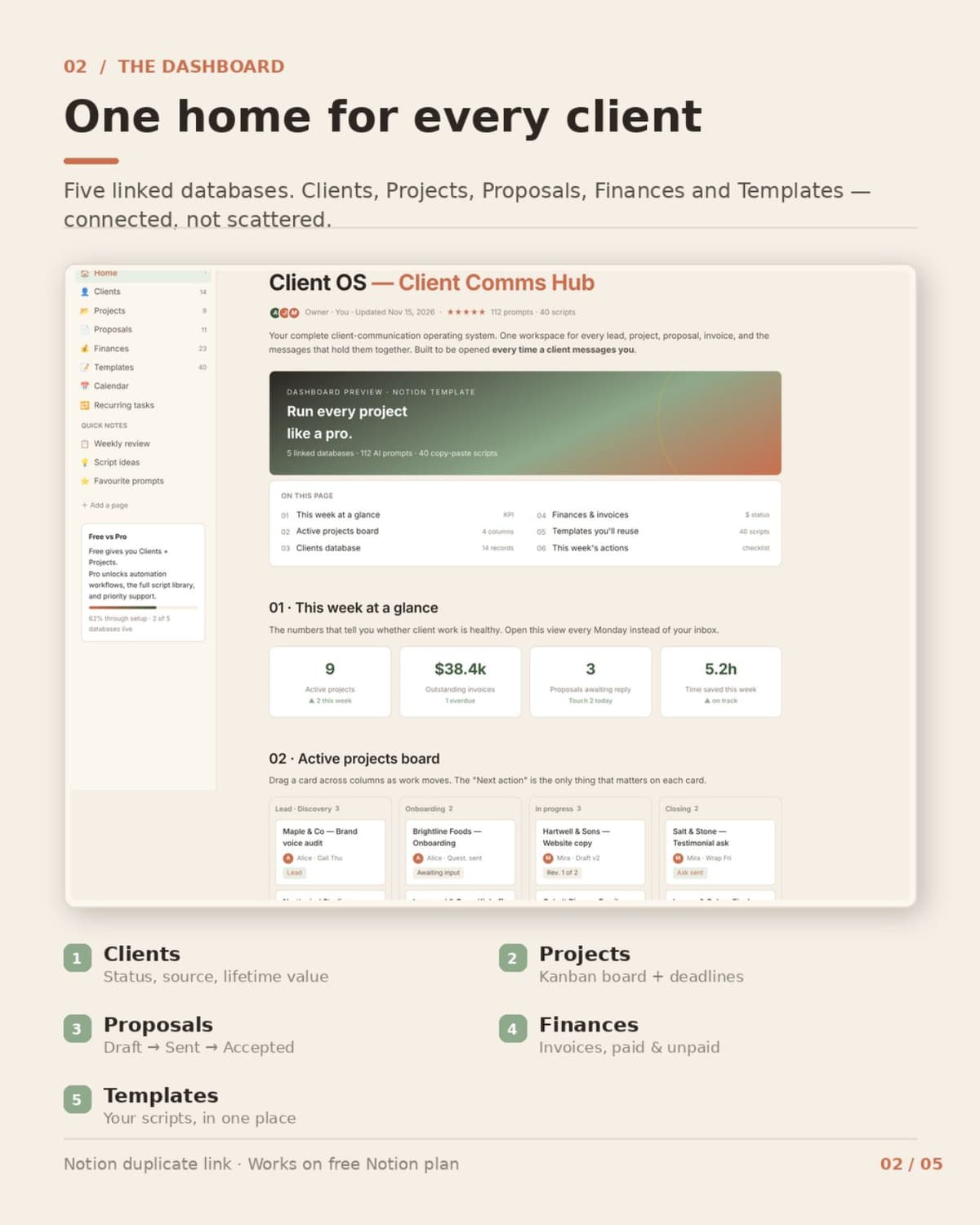
You are great at what you do. Client communication is what eats your day. The vague brief. The "just one small thing." The proposal you rewrite from scratch every time. The invoice that has been "pending" for two weeks. None of it is the work you get paid for — and all of it lands in your inbox. CLIENT OS is a complete operating system for that side of the business. Not a generic prompt bundle: every piece maps to a real freelancer moment, from the first DM to the final invoice. WHAT'S INSIDE 1. 100+ AI Prompts for Clients — 112 tested prompts in 8 categories (Cold Outreach, Discovery, Proposals, Onboarding, Follow-ups, Feedback & Revisions, Boundaries, Testimonials). Fill the [brackets], read once, send. Works with ChatGPT and Claude. 2. CLIENT OS Notion Dashboard — 5 linked databases (Clients, Projects, Proposals, Finances, Templates), a Projects Kanban board and a duplicate link. Works on the free Notion plan. 3. Quick Start Guide — set up in under 10 minutes, with the full 5-stage client flow. 4. Email & DM Scripts Swipe File [PRO] — 40 ready-to-edit messages: onboarding, status updates, nudges, scope-creep redirects, payment reminders, testimonial asks. 5. Automation Workflows + Client Templates [PRO] — 5 no-code blueprints for Make or Zapier (lead to client record, accepted proposal to project, scope-creep guard, overdue invoice nudge, delivery to testimonial), plus a client intake form spec and an 8-line proposal skeleton. Each blueprint includes trigger, filter, field map, test and failure case. WHO IT'S FOR Freelancers, solopreneurs and micro-agency owners who handle their own client emails. Not for teams with a dedicated ops person. HOW IT WORKS Buy → download the ZIP → duplicate the Notion dashboard → pick the prompt or script for the moment you're in → fill the blanks → send. No coding, no design work, no subscription. WHAT YOU GET A ZIP with PDFs, an HTML dashboard p
- Scheduling
- Order Processing
- CRM Management
- Business Plan Writing
How buying works
-
1
Pay once
You pay the service price plus the standard card processing fee. Furrsati holds the money while the freelancer works.
-
2
Say what you need
Write what you need and attach your files: a photo of the shop, a logo you like. It all stays in one thread.
-
3
Approve the delivery
Ask for changes, up to three rounds, or approve. The money is released the moment you approve, or 10 days after delivery if you say nothing.
If something goes wrong, either side can open a dispute. The money freezes and both sides send evidence within 72 hours, then our team reviews within 48 hours.
Find more services on Furrsati
Logos, landing pages, reels and translations, each with a starting price and a delivery time.