Fiche du service
CLIENT OS — 112 AI Prompts + Notion Dashboard for Freelancers (Starter & Pro)
À propos de ce service
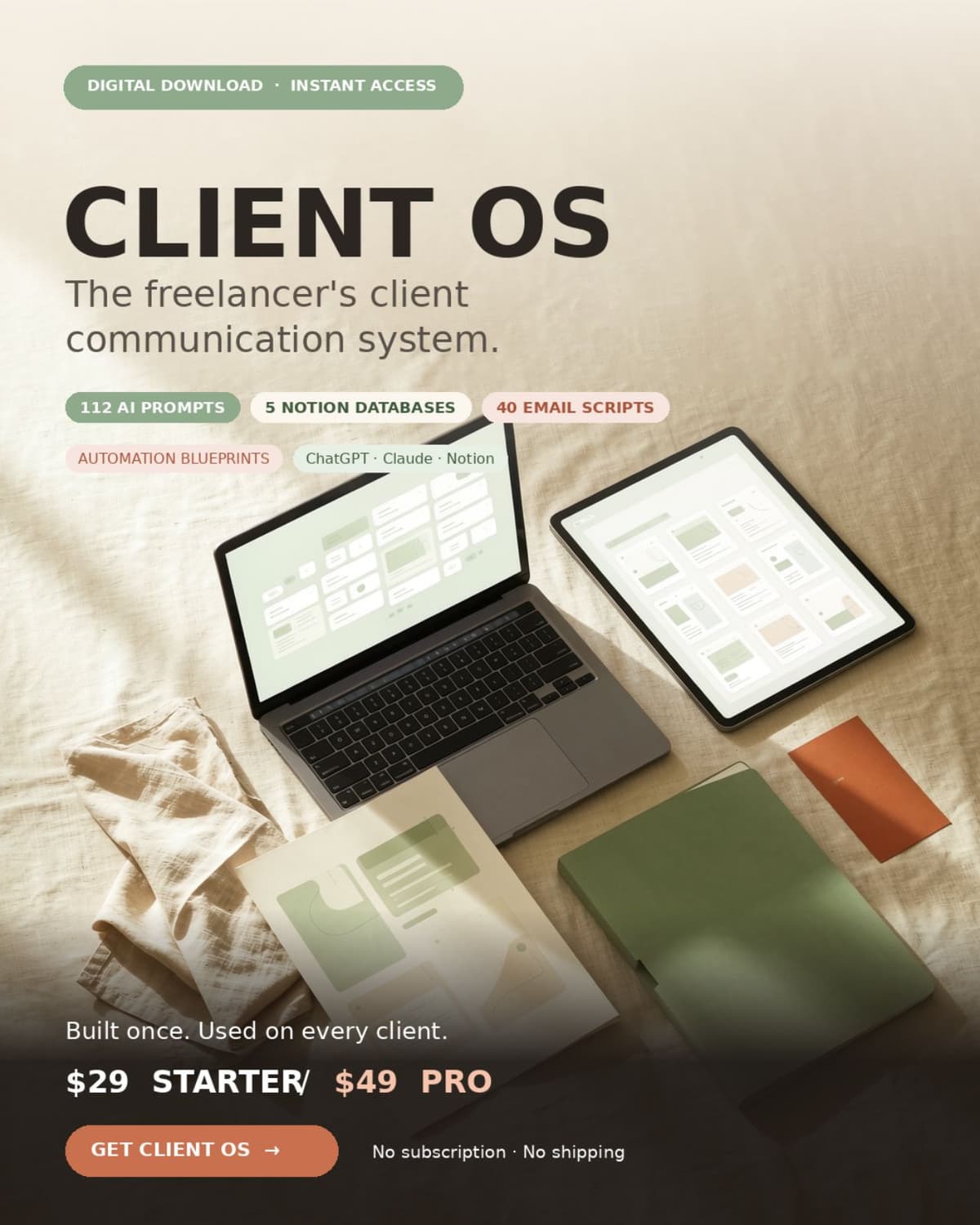
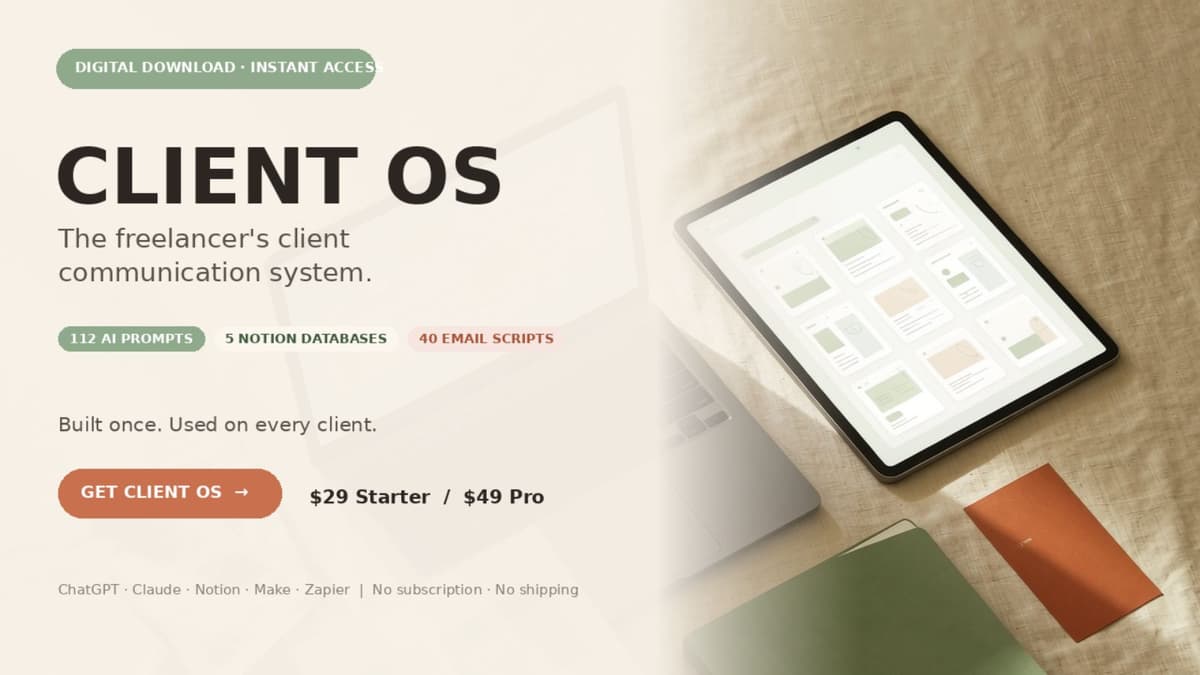
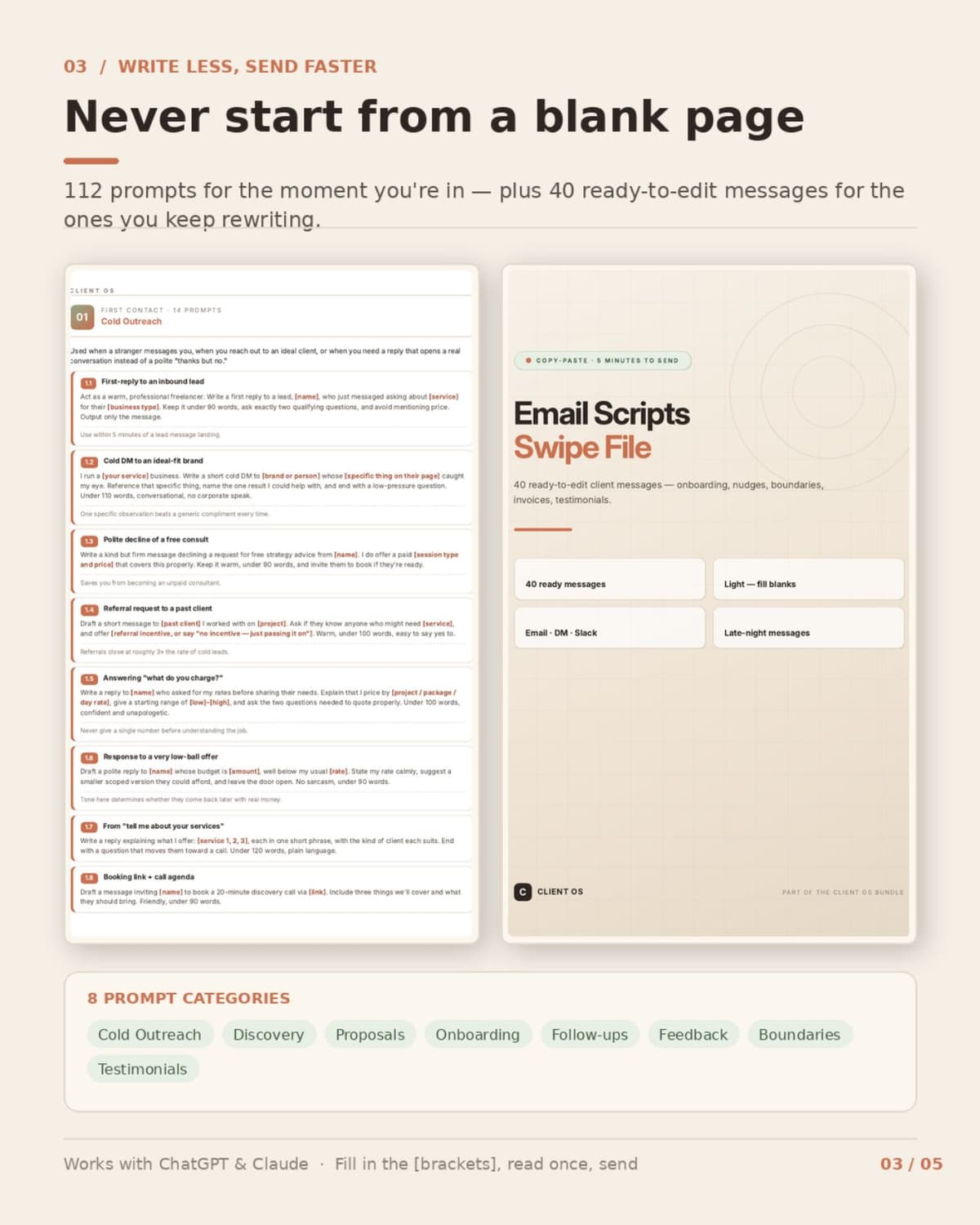
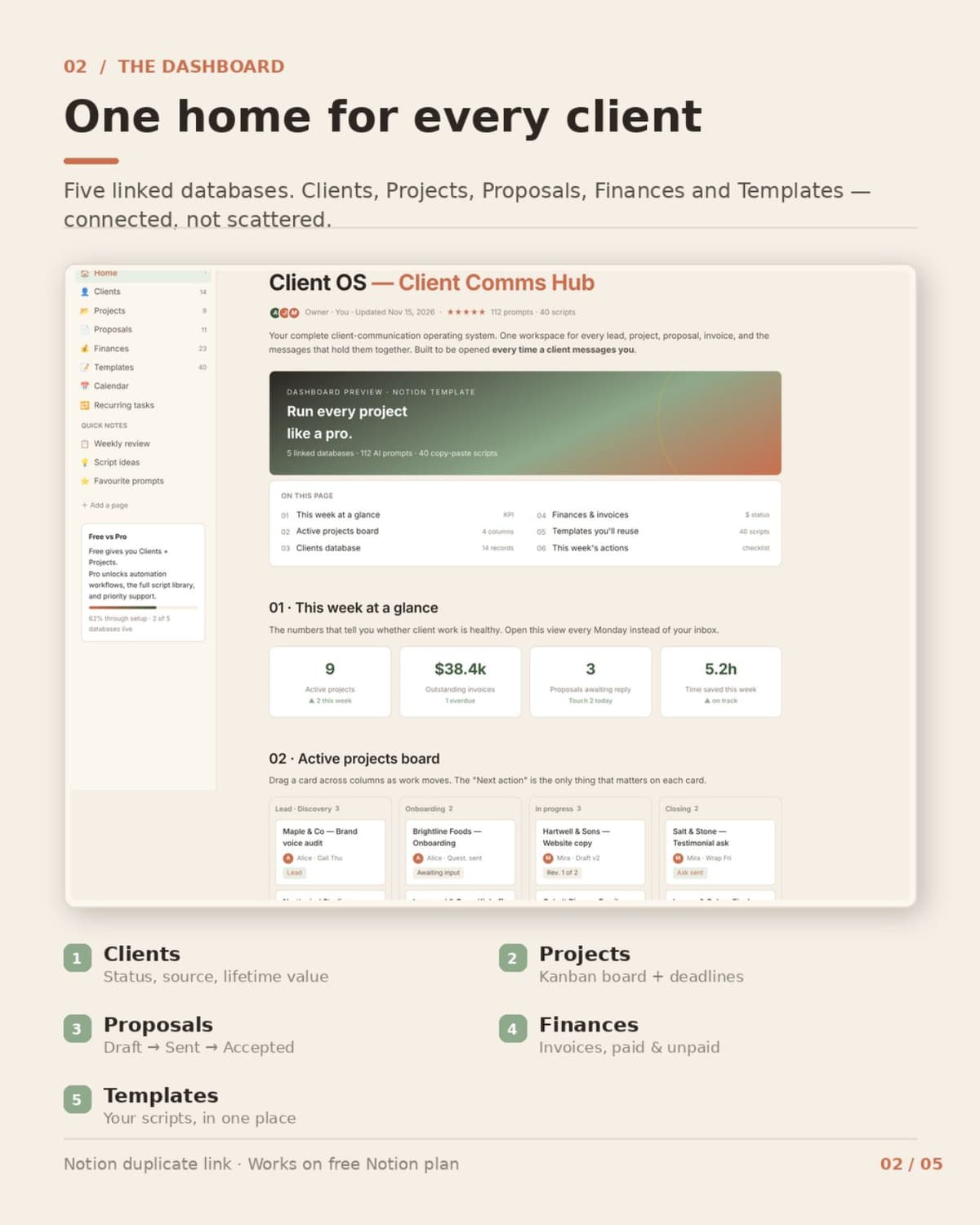
You are great at what you do. Client communication is what eats your day. The vague brief. The "just one small thing." The proposal you rewrite from scratch every time. The invoice that has been "pending" for two weeks. None of it is the work you get paid for — and all of it lands in your inbox. CLIENT OS is a complete operating system for that side of the business. Not a generic prompt bundle: every piece maps to a real freelancer moment, from the first DM to the final invoice. WHAT'S INSIDE 1. 100+ AI Prompts for Clients — 112 tested prompts in 8 categories (Cold Outreach, Discovery, Proposals, Onboarding, Follow-ups, Feedback & Revisions, Boundaries, Testimonials). Fill the [brackets], read once, send. Works with ChatGPT and Claude. 2. CLIENT OS Notion Dashboard — 5 linked databases (Clients, Projects, Proposals, Finances, Templates), a Projects Kanban board and a duplicate link. Works on the free Notion plan. 3. Quick Start Guide — set up in under 10 minutes, with the full 5-stage client flow. 4. Email & DM Scripts Swipe File [PRO] — 40 ready-to-edit messages: onboarding, status updates, nudges, scope-creep redirects, payment reminders, testimonial asks. 5. Automation Workflows + Client Templates [PRO] — 5 no-code blueprints for Make or Zapier (lead to client record, accepted proposal to project, scope-creep guard, overdue invoice nudge, delivery to testimonial), plus a client intake form spec and an 8-line proposal skeleton. Each blueprint includes trigger, filter, field map, test and failure case. WHO IT'S FOR Freelancers, solopreneurs and micro-agency owners who handle their own client emails. Not for teams with a dedicated ops person. HOW IT WORKS Buy → download the ZIP → duplicate the Notion dashboard → pick the prompt or script for the moment you're in → fill the blanks → send. No coding, no design work, no subscription. WHAT YOU GET A ZIP with PDFs, an HTML dashboard p
- Planification d'agenda
- Traitement des commandes
- Gestion CRM
- Rédaction de business plan
Comment acheter
-
1
Payez en une fois
Vous payez le prix du service, auquel s’ajoutent les frais standard de traitement de carte de 5 %. Furrsati conserve les fonds pendant que le freelance travaille.
-
2
Précisez votre besoin
Décrivez votre besoin et joignez vos fichiers : une photo de la boutique, un logo qui vous plaît. Tout reste dans une seule conversation.
-
3
Approuvez la livraison
Demandez des modifications, jusqu’à trois séries, ou approuvez la livraison. Les fonds sont versés dès votre approbation, ou 10 jours après la livraison si vous ne répondez pas.
En cas de problème, chaque partie peut ouvrir un litige. Les fonds sont bloqués, les deux parties envoient leurs preuves sous 72 heures, puis notre équipe examine sous 48 heures.
Découvrez d’autres services sur Furrsati
Logos, pages d’atterrissage, reels et traductions, avec un prix de départ et un délai de livraison pour chaque service.